No signup
Start the tool without an account wall.
Compress, merge, split, and convert files in a clean workflow built for upload limits, application forms, and mobile document fixes worldwide. No signup, no watermark, and no fluff between you and the final file.
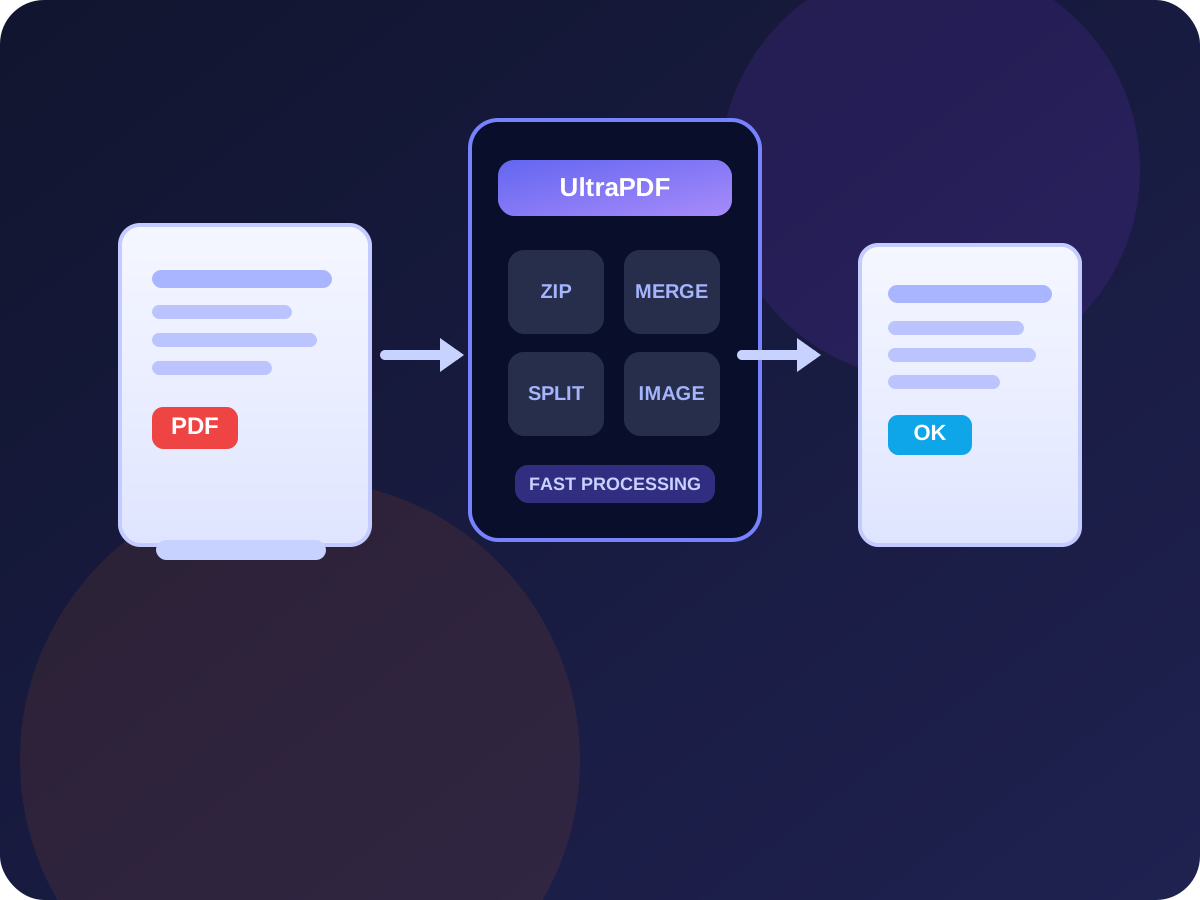
Start the tool without an account wall.
Keep downloads clean in the current flow.
Built for mobile uploads and lighter sharing.
Made for upload-ready workflows across regions.
UltraPDF is not trying to be every PDF tool for every workflow. The focus is much narrower and more useful: helping people make documents upload-ready for portals, forms, and mobile workflows worldwide. That means faster compression for common limit-based submissions, simpler phone-friendly flows, and clearer paths to the pages users actually need.
You do not need an account to start, the workflow works on phones as well as desktops, and output files are free of watermarks. Files are sent to the processing service over HTTPS and automatically deleted within 1 hour of processing — no file contents are retained or shared.
If you are trying to hit 1MB, 200KB, or a mobile upload deadline, a generic compressor often is not enough. The guides below each cover one specific situation, such as a government portal cap, an email attachment limit, or a stack of phone photos, and walk you through getting an accepted file on the first try.
Make a PDF less than 1MB or below 1 MB for common portal and form upload limits.
Open pageConvert image to PDF free from JPG, PNG, WEBP, photos, pictures, and phone scans.
Open pageUse the dedicated JPG to PDF route for JPEG photos, screenshots, and scanned images.
Open pageConvert images into PDF first, then compress the image-heavy PDF for upload limits.
Open pageClear answers for UltraPDF login, customer service, subscription, and cancellation searches.
Open pageReduce file size while preserving text and image quality.
Combine multiple PDF files into one clean document.
Extract pages or split one PDF into multiple files.
Convert images, photos, and pictures into one PDF for free.
Convert JPG, JPEG, PNG, and phone photos into a PDF.
Drag and drop PDFs or images into the tool.
Choose compression, merge, split, or convert.
Get your processed file right away.
Make a PDF less than 1MB or below 1 MB for common portal and form upload limits.
Convert image to PDF free from JPG, PNG, WEBP, photos, pictures, and phone scans.
Use the dedicated JPG to PDF route for JPEG photos, screenshots, and scanned images.
Convert images into PDF first, then compress the image-heavy PDF for upload limits.
Quick answers about file limits, privacy, and how UltraPDF works.
Yes. UltraPDF tools for compressing, merging, splitting, and converting files are free to use online.
No. UltraPDF at useultrapdf.com is a free browser-based PDF tool with no login, no subscription, and no recurring UltraPDF charges. If you are trying to cancel a subscription from another service with a similar name, open /support for the clearest guidance.
No. UltraPDF works without signup, so you can upload a file, process it, and download it immediately.
UltraPDF sends files to its processing service over HTTPS. Uploaded files are automatically deleted within 1 hour of processing.
Yes. UltraPDF is designed to help with form uploads, application portals, email attachments, and mobile sharing workflows.
Compression is tuned to lower file size while keeping text and page clarity usable for everyday submission needs.
Yes. UltraPDF runs in a web browser, so you can use it on phones, tablets, and desktops without installing software.